
7.6 KiB

Ahwxorg/NixOS-config





Gallery
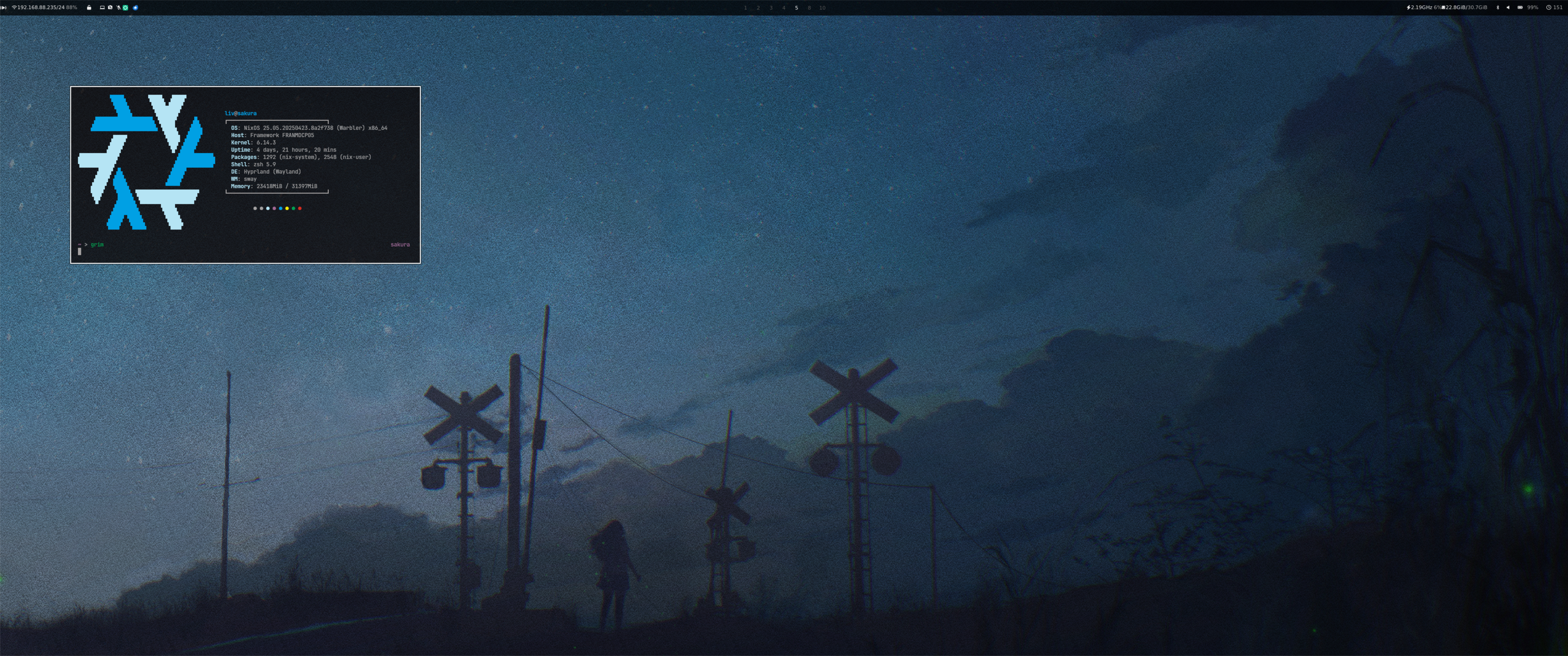
Screenshot last updated 2025-05-11
Overview
Warning
This flake/config has quite high "sometimes I want to quit technology and become a farmer" levels. Stability is not guaranteed.
Layout
- flake.nix: base of the configuration
- variables.nix: base variables useful for all hosts
- hosts: per-host configurations that contain host specific settings
- modules: modularized NixOS configurations
- core: core NixOS configuration
- homes: my Home-Manager config
- services: services ran on my servers
- pkgs: packages exported by my flake
- roles: roles to easier define tasks per host
Components
| NixOS + Hyprland | |
|---|---|
| Compositor | hyprland |
| Bar | waybar |
| Application launcher | bemenu |
| Notification daemon | swaync |
| Terminal emulator | kitty |
| Shell | zsh |
| Text editor | neovim |
| Network management tool | networkmanager |
| File manager | thunar |
| Fonts | nerd fonts |
| Lockscreen | hyprlock |
| Image viewer | nsxiv |
| Media player | mpv |
| Screenshot software | grimblast |
| Clipboard | wl-clip-persist |
| Color picker | hyprpicker |
Shell aliases
NixOS (expand)
TODO: ${host} is one of the above-defined hosts
ns\rightarrownix-shell --run zshnix-switch\rightarrowsudo nixos-rebuild switch --flake ~/nixos-config#${host}nix-clean\rightarrowsudo nix-collect-garbage && sudo nix-collect-garbage -d && sudo rm /nix/var/nix/gcroots/auto/* && nix-collect-garbage && nix-collect-garbage -d
Scripts
All the scripts are in modules/home/scripts/scripts/ and are exported as packages in modules/home/scripts/default.nix
toggle_blur.sh
Description: This script toggles the Hyprland blur effect. If the blur is currently enabled, it will be disabled, and if it's disabled, it will be turned on.
Usage: toggle_blur
toggle_oppacity.sh
Description: This script toggles the Hyperland oppacity effect. If the oppacity is currently set to 0.90, it will be set to 1, and if it's set to 1, it will be set to 0.90.
Usage: toggle_oppacity
Installation
This is unchanged of Frost-Phoenix's dots, needs to be remade but don't feel like spending that time currently.
⚠️ Use this configuration at your own risk! ⚠️
Applying custom configurations, especially those related to your operating system, can have unexpected consequences and may interfere with your system's normal behavior. While I have tested these configurations on my own setup, there is no guarantee that they will work flawlessly on all systems.
> I am not responsible for any issues that may arise from using this configuration.
It is highly recommended to review the configuration contents and make necessary modifications to customize it to your needs before attempting the installation.
-
Install NixOS
First install nixos using any graphical ISO image.
-
Clone the repo
nix-shell -p git git clone https://github.com/ahwxorg/nixos-config cd nixos-config -
Install script
TODO: change the install script to work with all hosts, allow for new host creation, etc.
Execute and follow the installation script :
./install.sh -
Reboot
-
Manual config
Even though I use home manager, there is still a little bit of manual configuration to do, namely SSH keys and browser configuration.
👥 Credits
Other dotfiles that I learned / copy from:
- Frost-Phoenix/nixos-config: This is the repository that I cloned and changed to my needs. Their credits are in their repository's readme.
- notthebee/nix-config
- mrusme/dotfiles